Sizing
How to choose a briefcase size for a 14, 16 or 17-inch laptop
Briefcase sizes are named after laptops, not the other way round. Here is how to match the two, with the measurements that matter.
1 September 2026, 4 min read
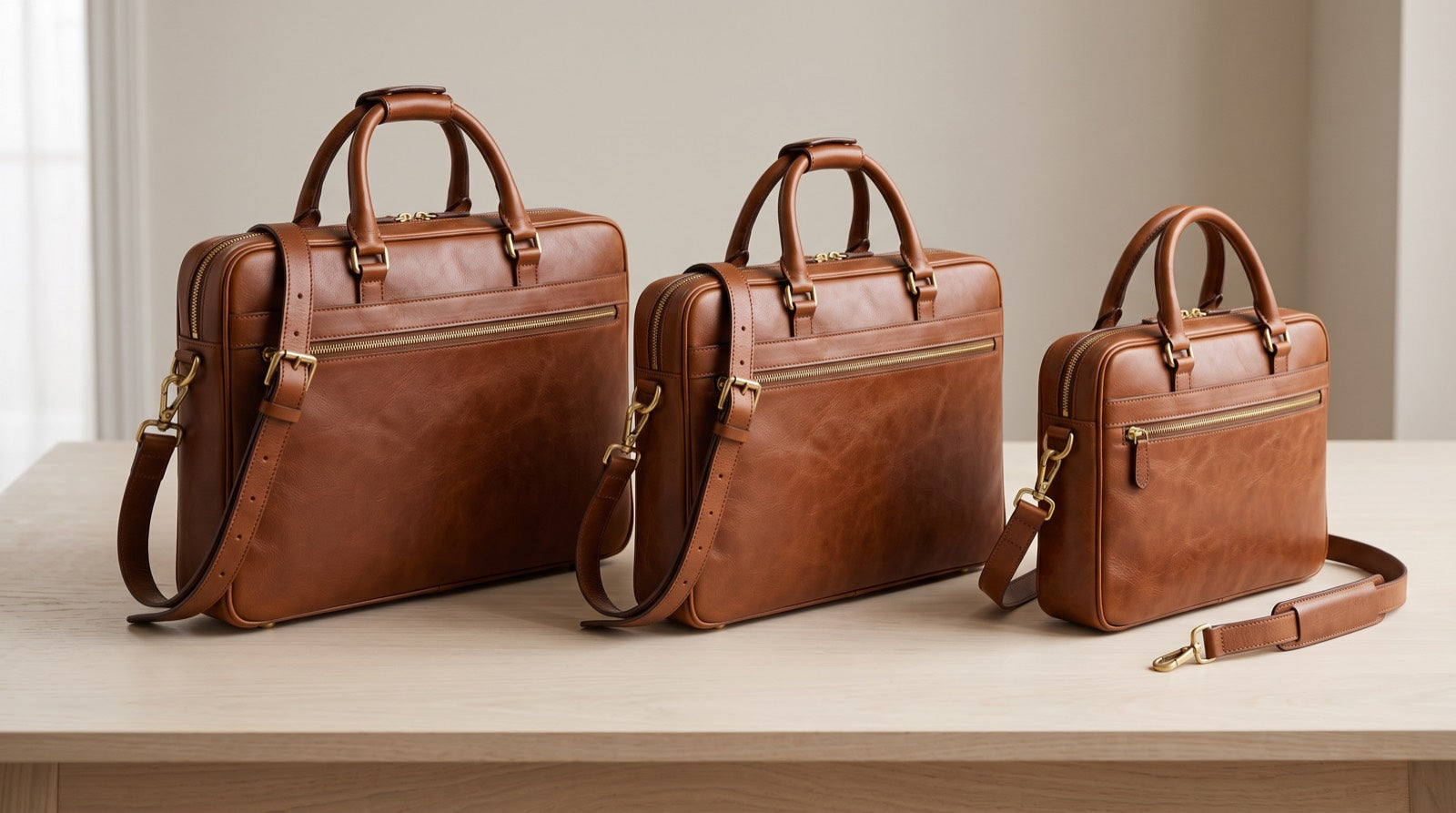
Start with the laptop's outer dimensions
Screen size is a diagonal. Two 16-inch laptops can differ by 2 cm in width. Close the lid and measure width, depth and thickness. A 14-inch MacBook Pro is 31.3 x 22.1 x 1.6 cm. A 16-inch is 35.6 x 24.8 x 1.7 cm. A 17-inch gaming laptop can reach 40 x 28 x 2.5 cm.
Our briefcases are measured on current MacBook Pro and ThinkPad models. The Compact takes 14-inch, the Slim takes 16-inch and the Large takes 17-inch. Each product page lists the inside measurement of the laptop compartment.
Allow 1 cm, more if the laptop is thick
A padded compartment needs about 1 cm of play on width and depth to slide the laptop in and out without scuffing the corners. If your laptop is thicker than 2 cm, go one size up. A thick 15-inch laptop is happier in the Slim than in a compartment measured for a thin 14-inch.
Then count what else you carry
Litres describe a weekender. A briefcase is described by compartments.
- Laptop and charger only: the Compact, one compartment, 1.1 kg.
- Laptop plus a folder or two of paper: the Slim, two compartments, 1.4 kg.
- Laptop, files and an overnight change: the Large, three compartments and a trolley sleeve, 1.7 kg.
If you carry the laptop in another bag
A sleeve protects a laptop inside a backpack or a weekender. The Classic sleeve is padded and has a front pocket for the charger, in 14 and 16-inch. The Minimalist sleeve has no zip, so nothing scratches the laptop, and flips over as a mouse pad on a hotel desk.